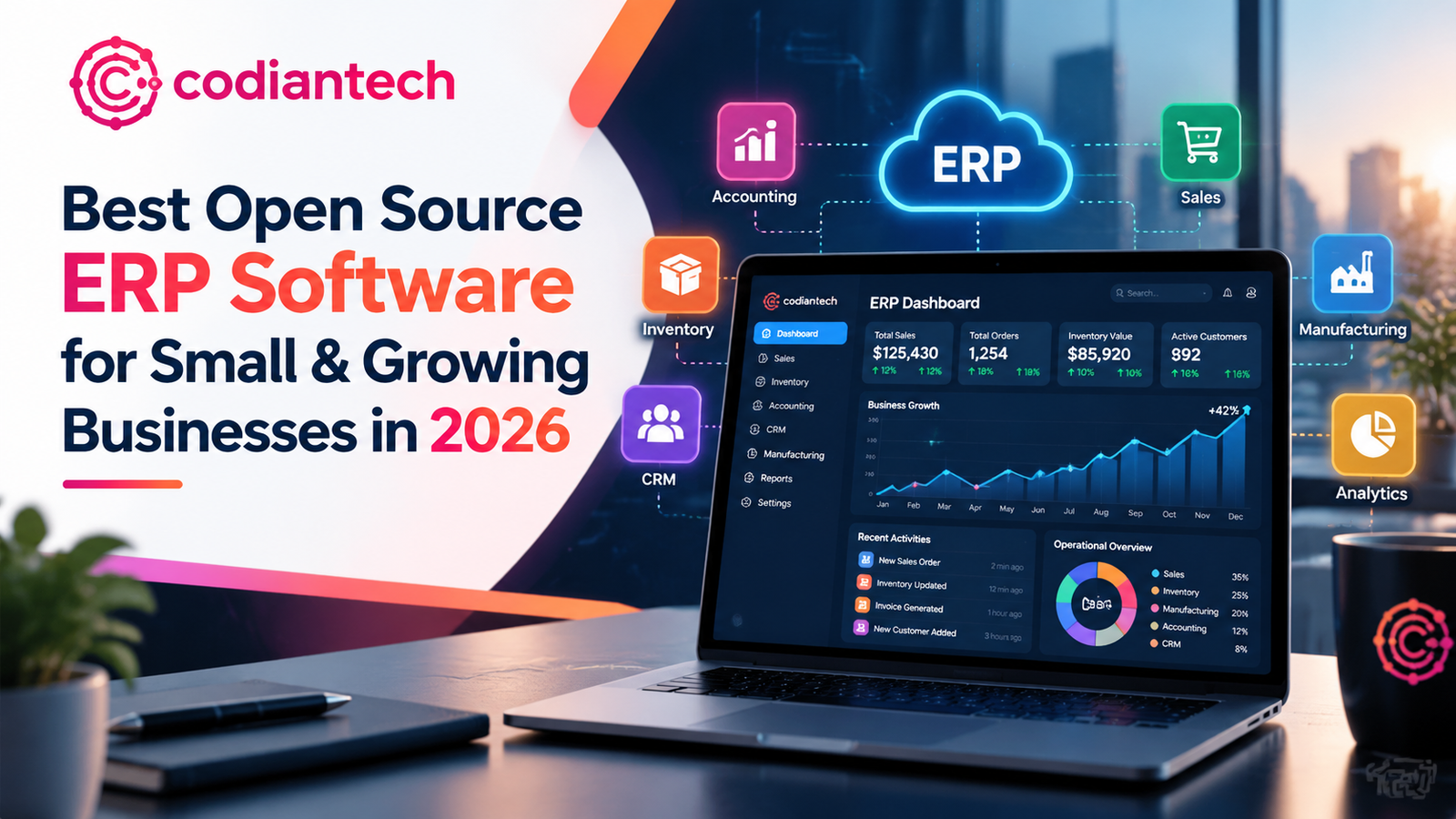
Most small businesses don't start with an ERP. They start with a spreadsheet for stock, another for invoices, a CRM somebody signed up for in 2022, and a shared inbox holding it all together. It works until it doesn't. Then a customer order goes missing, the books don't match the warehouse, and you're paying three people to copy numbers between tabs.
That's the moment people go searching for the best open source ERP software for small businesses 2026 has to offer. And it's a smart search. Open source ERP gives you the core of enterprise resource planning software without the six-figure license bill that SAP and Oracle attach to it.
In this guide, CodianTech walks through the strongest open source ERP solutions available right now, how they compare, what they really cost once you count implementation, and how to choose without regretting it in eighteen months.
What Is Open Source ERP Software?
An ERP (enterprise resource planning) system puts your core operations into one database: accounting, inventory, sales, purchasing, HR, manufacturing, and customer records. Open source ERP software for small business does the same job, except the source code is public. You can inspect it, host it yourself, and change it.
That last part matters more than it sounds. With open source business management software, you aren't renting a rigid product. You own a foundation, and you can bend it to fit how your company actually works.
Open Source vs. Proprietary ERP
Proprietary systems charge per user, per module, per year. Open source projects usually charge nothing for the software itself. You pay for hosting, setup, and support instead.
That's why free open source ERP software appeals so strongly to startups and ERP software for SMEs. Just keep one thing in mind: free software isn't free to run. A badly implemented free system costs more than a well-implemented paid one. We'll come back to that.
Why Small Businesses Are Moving to Open Source ERP?
Three reasons keep showing up in conversations with clients.
Cost
A small business ERP system built on open source avoids per-seat licensing, so adding your tenth employee doesn't add a fee. These are genuinely affordable ERP solutions for small businesses when the budget is tight.
Flexibility
Every business has one odd process that off-the-shelf software can't handle. Open source lets you build it in.
No lock-in
Your data and your code stay yours. If a vendor changes pricing (and vendors do), you can leave.
The Best Open Source ERP Software for Small Businesses in 2026
Here are the platforms worth a serious look. We've ranked them by how well they suit small and growing companies, not by popularity alone.
1. ERPNext: Best Overall for Small Businesses
ERPNext for small business is our default recommendation, and it isn't close. It's built on the Frappe framework, released under the GPL, and covers accounting, inventory, sales, purchasing, HR and payroll, projects, and manufacturing in one system.
Why it works for smaller teams:
-
Accounting ERP software for small business built in: chart of accounts, invoicing, tax handling, bank reconciliation
-
Inventory management ERP software with batch tracking, serial numbers, and multi-warehouse support
-
CRM ERP software in a single database, so leads convert to customers without re-entering anything
-
A clean interface that non-technical staff pick up quickly
The trade-off: the customization layer is powerful but takes developer skill. That's where ERPNext implementation partners earn their fee.
2. Odoo Community: Best for Modular Growth
Odoo is the name most people know. The Community edition is open source, and its app-by-app structure lets you start small: sales and invoicing first, add inventory next, then manufacturing later.
There's a catch worth stating plainly. Odoo splits into a free Community edition and a paid Enterprise edition, and some features (parts of the accounting suite, for example) sit on the paid side. Check the current feature comparison before you commit. If that split bothers you, it's the main reason people go hunting for an Odoo alternative.
3. Dolibarr: Best for Very Small Teams
Dolibarr is lighter than the two above. It handles invoicing, quotes, contacts, stock, and basic accounting, and it runs on modest hosting. For a freelancer or a five-person shop, it can be plenty. Growing companies tend to outgrow it.
4. Apache OFBiz: Best for Technical Teams
OFBiz is a mature Java-based framework with deep functionality. It's powerful, but it expects developers. If you have engineers in-house, it's an option. If you don't, skip it.
5. Tryton: Best for Stability and Modularity
Tryton is a modular, Python-based platform known for a clean architecture and a steady development pace. It suits companies that value predictability over flashy features, though its community and partner network is smaller.
6. Metasfresh: Best for Trading and Distribution
Metasfresh focuses on wholesale, distribution, and trade. If your business lives on purchasing, warehouse flow, and invoicing, it deserves a look.
Key Features to Look For in a Small Business ERP
Before you compare products, decide what you need. A best ERP system for startups looks different from one for a factory.
Accounting and Finance
Look for ERP software with accounting and CRM in the same database. When invoices, payments, and customer records live together, month-end stops being a scavenger hunt.
Inventory and Supply Chain
Inventory management ERP software should track stock across locations, flag reorder points, and tie purchases to sales orders. If you sell physical products, this is the module that pays for the project.
Manufacturing
If you build things, you need manufacturing ERP software with bills of materials, work orders, and production planning. ERPNext and Odoo both cover this. Most lightweight options don't.
CRM and Sales
A built-in CRM stops the classic problem: sales promises one thing and operations hears another.
Automation
Modern ERP automation software capabilities, such as auto-generated invoices, reorder triggers, approval workflows, and scheduled reports, take repetitive work off your team entirely.
Cloud Access
Cloud ERP software for SMEs means your team logs in from anywhere, and you skip managing servers. Most open source platforms can run in the cloud, self-hosted or through a managed provider.
Open Source ERP vs SAP and Oracle
Small companies sometimes ask whether they should go straight to the big names. Usually, no.
A SAP alternative for small businesses and an Oracle ERP alternative share one big advantage: cost and speed. SAP and Oracle are built for large enterprises, with implementations that run for months and budgets to match. For a company under a few hundred employees, that's often more system than you'll use.
Open source options like ERPNext cover the same core functions at a fraction of the price. The gap only closes at very large scale, with complex global operations, where the enterprise platforms earn their cost.
What Does Open Source ERP Really Cost?
Here's what surprises first-time buyers. The license is free. Everything around it isn't.
Budget for these:
-
Hosting: cloud servers or a managed service
-
ERP implementation services: configuration, data migration, training
-
ERP customization services: custom fields, workflows, reports, integrations
-
Support and maintenance: updates, backups, security patches
-
Training: the cost people skip and then regret
Skimp on implementation and you'll spend more later fixing it. Companies that treat the software as the main cost and setup as an afterthought are the ones who tell us their ERP "didn't work."
ERP Implementation: How to Do It Without Chaos
A sensible rollout for ERP software for growing businesses follows a familiar path.
-
Map your processes : Document how orders, purchasing, and billing actually flow today, including the messy workarounds.
-
Define scope : Start with the two or three modules that hurt most. Resist the urge to switch everything on at once.
-
Clean your data : Old customer lists and item masters are full of duplicates. Fix them before importing.
-
Configure and customize : Set up the system around your process, and build custom pieces only where standard features fall short.
-
Pilot with one team : Let one department run it live before rolling out company-wide.
-
Train, then go live : Give people time to practice on real scenarios.
-
Review at 90 days : Adjust what isn't working and add the next module.
Rushing steps 1 and 3 causes the majority of failed rollouts we see.
When You Need Custom ERP Development?
Sometimes standard modules aren't enough. Maybe you run a niche business model, need a specific integration, or have compliance rules that generic software ignores. That's where custom ERP development comes in.
The strength of open source is that customization isn't a hack. You extend the system properly, in ways that survive upgrades. ERPNext customization services commonly include custom doctypes, tailored print formats, workflow rules, third-party integrations (payment gateways, shipping, e-commerce), and custom reports.
One warning. Customize too heavily and upgrades get painful. A good partner keeps changes modular so you can update without breaking things.
How CodianTech Helps with Open Source ERP
CodianTech is a software development and AI automation agency working with businesses across the USA, UK, EU, and Saudi Arabia. When small and mid-sized companies come to us about ERP, the request usually sounds like this: "We've outgrown our spreadsheets, but we can't afford SAP."
Our ERP consulting services start by asking what you actually need, not which product is trendy. From there, the CodianTech team can support:
-
Platform selection and fit assessment
-
ERPNext and Odoo setup and data migration
-
Custom modules, integrations, and workflows
-
Automation for invoicing, stock, and reporting
-
Training, support, and ongoing improvement
If you want the fuller picture of how we work, visit codiantech.com.
How to Choose the Right Open Source ERP
Run through these questions before you pick.
How big is the team, and how fast will it grow? Very small teams may thrive on Dolibarr. Growing businesses generally need ERPNext or Odoo.
Do you make things, sell things, or provide services? Manufacturers need production planning. Retailers need inventory depth. Service firms care more about projects and billing.
Do you have technical people? If not, budget for a partner. Self-implementing is possible, but it's slower and riskier.
What's your real budget? Count implementation, not just licenses.
How custom is your process? The more unusual your workflows, the more value you'll get from open source flexibility.
Frequently Asked Questions
What is the best open source ERP software for small businesses in 2026?
For most small businesses, ERPNext is the strongest all-round choice because it includes accounting, inventory, CRM, and manufacturing in one open system. Odoo Community is a solid pick if you prefer a modular, app-based approach.
Is free open source ERP software really free?
The software license is free. Hosting, implementation, customization, and support still cost money, so plan a realistic budget.
Which is better, ERPNext or Odoo?
It depends on your needs. ERPNext gives you an integrated open source system with accounting included. Odoo offers a large ecosystem but places some features in a paid edition.
Can open source ERP handle manufacturing and inventory?
Yes. ERPNext and Odoo both support bills of materials, work orders, and multi-warehouse inventory.
How long does ERP implementation take?
A focused rollout for a small business can take a few weeks to a few months, depending on scope and data quality.
Final Thoughts
The best open source ERP software for small businesses 2026 offers is the one that fits your processes, not the one with the longest feature list. For most companies, ERPNext is where to start. Odoo Community is a strong second, and lighter tools like Dolibarr suit the smallest teams.
Whichever you pick, put your effort into implementation and data quality. That's where projects succeed or stall. If you'd like a second opinion on the right platform, or hands-on help with setup and customization, CodianTech can help. Talk to CodianTech and tell us what you're trying to fix.
Tagged with:
best open source ERP software for small businesses 2026
open source ERP software for small business
best ERP software for small businesses
ERP software for SMEs
small business ERP system
free open source ERP software
affordable ERP solutions for small businesses
ERPNext for small business
Odoo alternative
ERPNext vs Odoo
open source business management software


Login to comment
To post a comment, you must be logged in. Please login. Login
Comments (0)